CSL_Tape_Measure_Hook_Black_Green_Card_Loop_Hold_0p3s.mp4Start with the black-background version when you want the generative edit to rebuild the surrounding scene as well as replace the flyer.
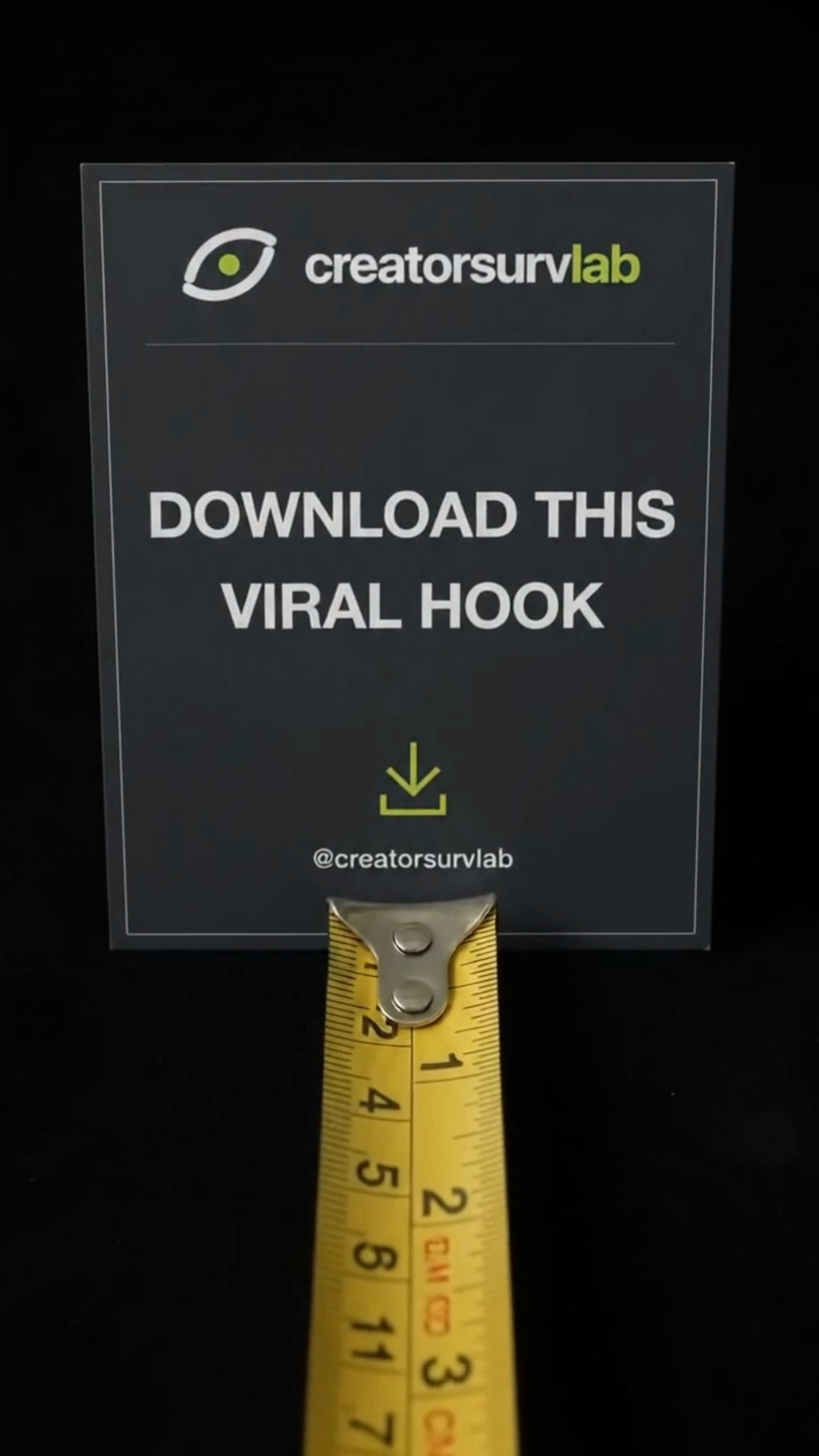
Two loop-ready green-card clips for pulling your own 3:4 flyer into the frame.
Two loop-ready vertical tape-measure hook clips with green replacement cards, provided in white- and black-background variants with a 0.3-second final-frame hold.
ZIP · 1945 KB · 2 MP4 clips · 720 × 1280 · 24 fps
How to use it
Prepare one 3:4 flyer, choose the clip that matches the scene you want, then use a generative video editor to replace the moving green card while preserving the tape motion and final hold.
Create a portrait 3:4 image for your brand, channel, product, event, or anything else you want to promote. Keep important text and logos away from the outer edge so they remain readable after the flyer is fitted into the moving card.
The pack contains one white-scene clip and one black-scene clip. Both include the same tape-measure motion, a green replacement card, and a 0.3-second final-frame hold that keeps the finished flyer readable before the loop restarts.
CSL_Tape_Measure_Hook_Black_Green_Card_Loop_Hold_0p3s.mp4Start with the black-background version when you want the generative edit to rebuild the surrounding scene as well as replace the flyer.
CSL_Tape_Measure_Hook_White_Green_Card_Loop_Hold_0p3s.mp4Start with the white-background version when you want to preserve the clean white scene and replace only the moving green flyer.
Because the card moves through perspective, a simple chroma-key composite can require tracking and corner pinning. A generative video editor such as Google Flow or Higgsfield can handle the replacement more directly. Select either tool icon beside this headline to open its official website in a new tab. This example uses Google Flow: add the base clip and your flyer image, then ask it to fit the image precisely onto the green card.
Replace only the moving green card with the attached 3:4 flyer. Fit the flyer precisely to the card in every frame, preserving its perspective, motion, timing, tape measure, camera, and the rest of the scene. Keep all flyer text and logos unchanged and readable.
Check that the flyer stays attached to the tape hook, follows the card perspective, and remains readable during the final hold. Export the result and place the loop-ready hook at the beginning of your Reel, post, ad, or channel promo.